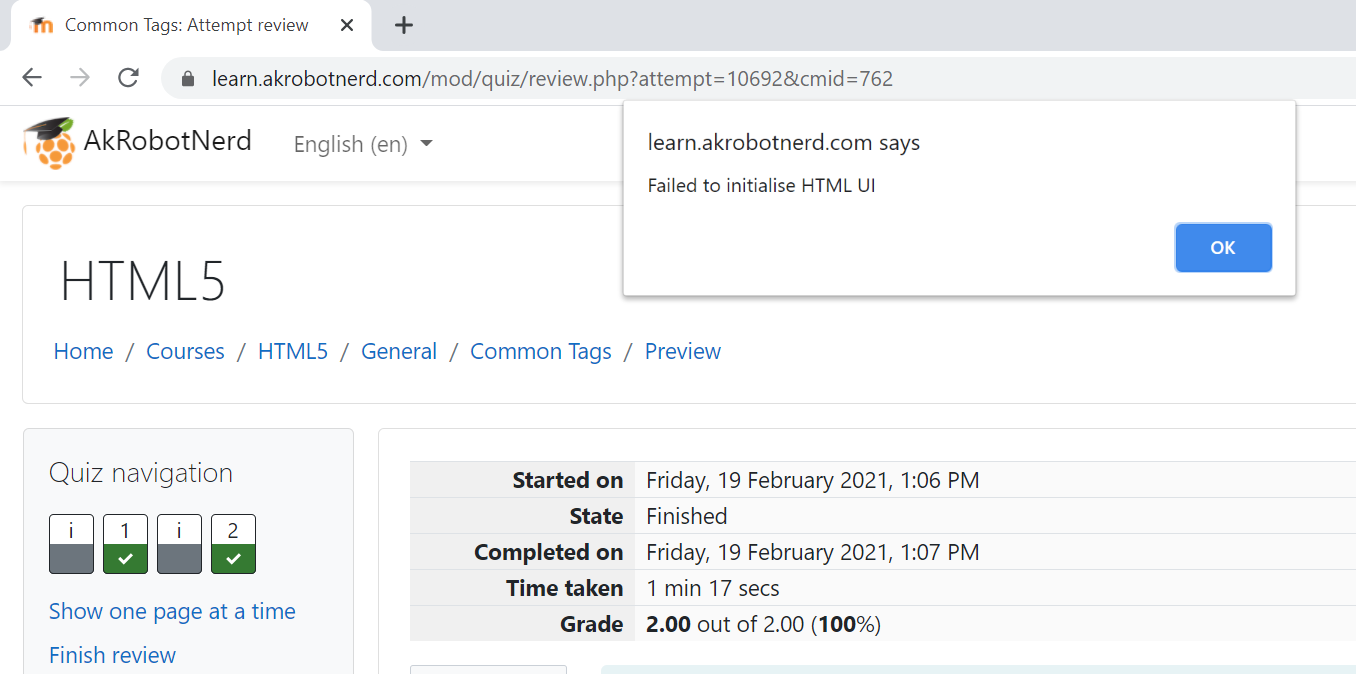
To take your second point first - the HTML UI can be used to display the tomhodgins live editor out-of-the-box. Just paste in his .js file to the global extra. And if you then strip out the use of web storage and add a suitable name attribute plus the required class 'coderunner-ui-element' to all text areas, you have a question type that passes you back the HTML, CSS and JavaScript ready for grading. Here's what it looks like (xml export attached):
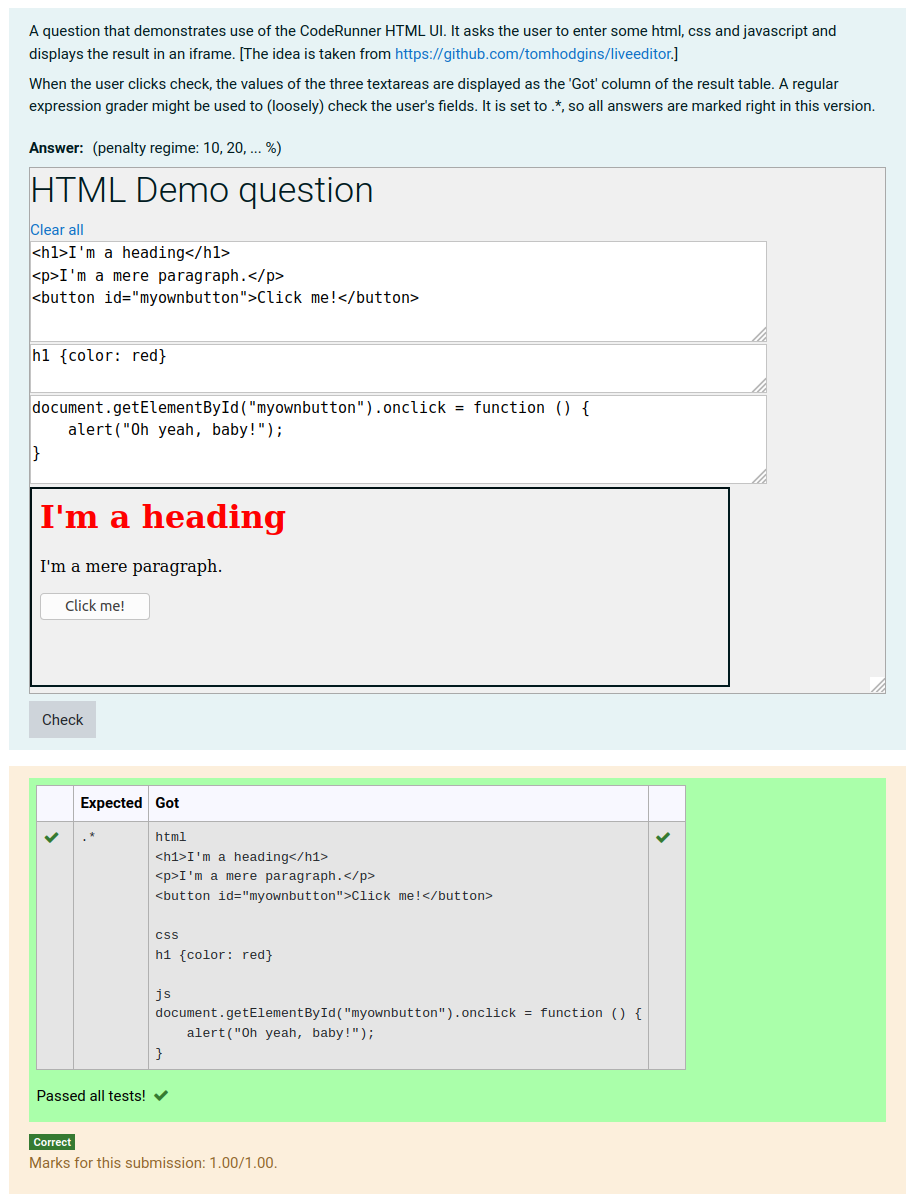
You'll see I rewrote the JavaScript in my own baroque fashion to make it more readable, because I was playing with it as a potential demo of the HTML-UI.
The challenge is to (a) specify exactly what you want the student to do and (b) mark their submission in a meaningful way. The question text suggests using regular expressions, but that's at best an indicative grading since there are lots of ways of producing a specified outcome.
There is a thread on using regular expressions to grade HTML here, though it probably doesn't add much. And another thread here that draws attention to an issue that might occur if you use questions like the above in a quiz that presents the students with your answer when they review the result (due to duplicated HTML element IDs).