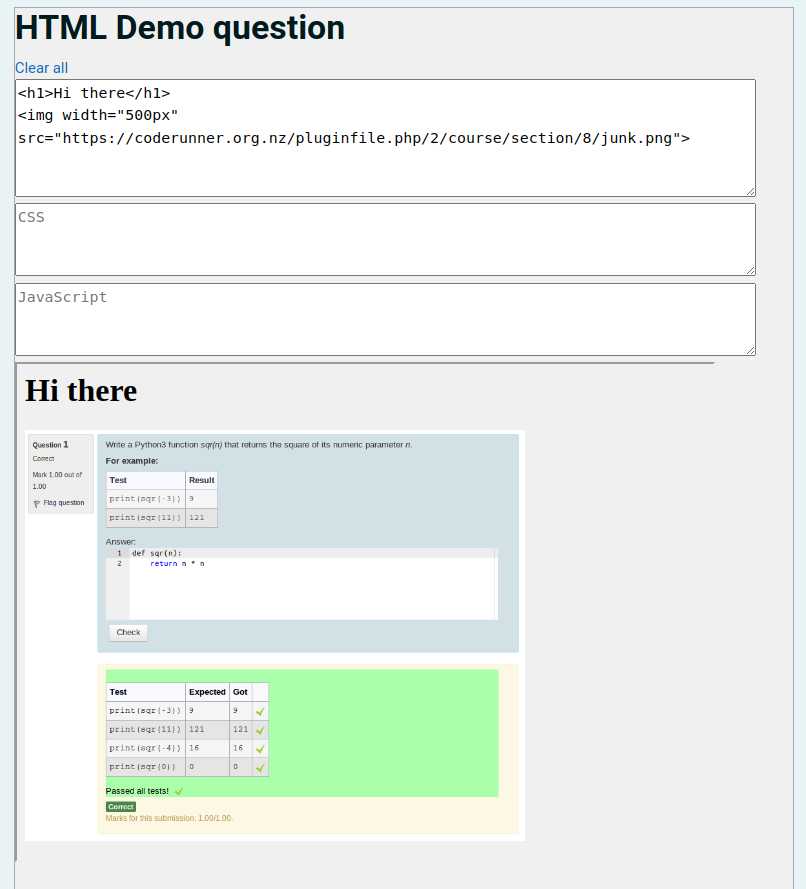
The files you add to the Support Files section of the question authoring form are sent to the Jobe server and loaded into the working directory when the question is Checked for marking purposes. But interaction with the UI prior to submission is all taking place in the student's browser. So the src attribute of the <img> tag has to be a URL of a resource that's accessible to the browser at that time. This means it needs to be an internet resource, not a file.
For example (after tweaking of the frame height and number of rows for the question answer to make room for the image):